The Walls
Finals week. Things keep moving.

They were never invited in.
Short horror stories for iPhone and iPad.
ENTEROUT NOWDownload on the App Store
Each story is inspired by a real account.
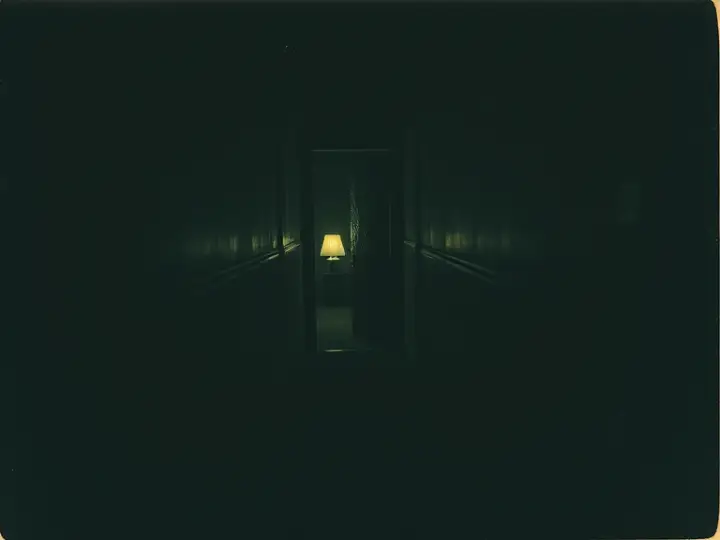
Finals week. Things keep moving.
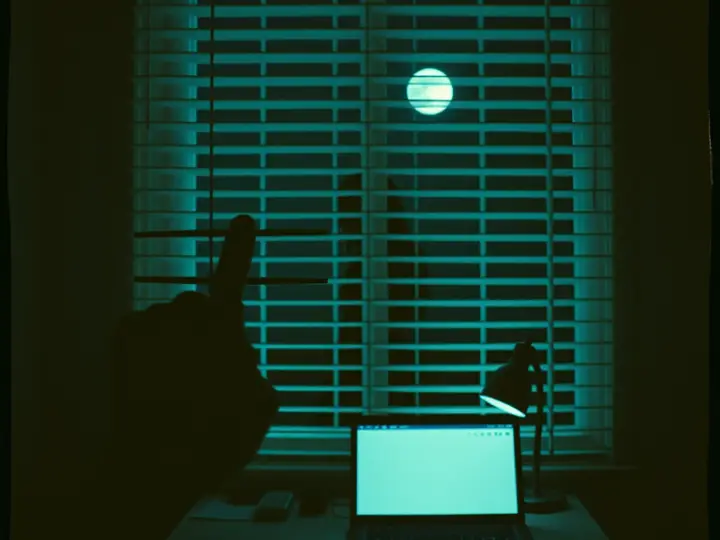
Just a branch. Probably.
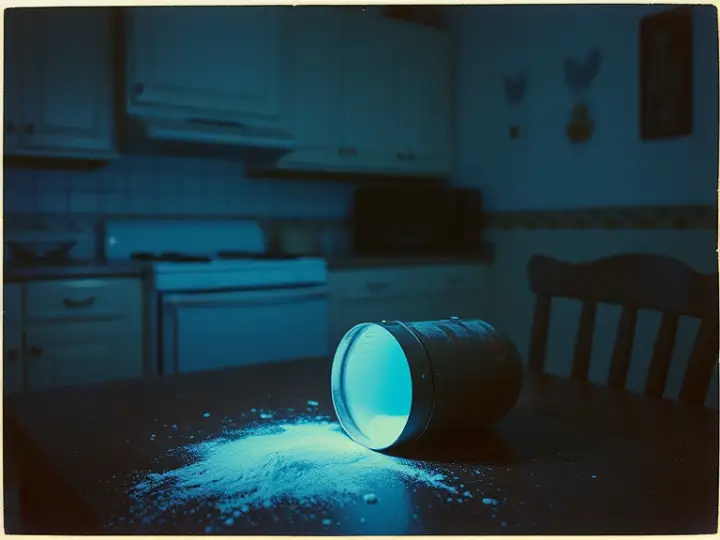
It glows like sugar.
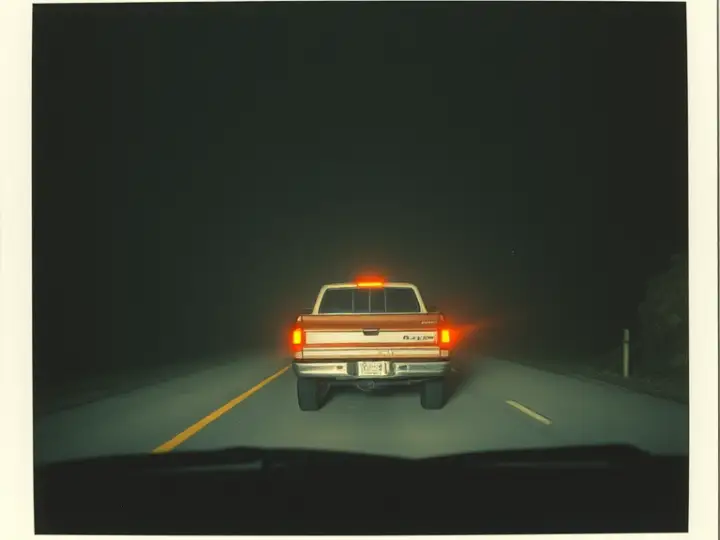
Never stop on the ridge.
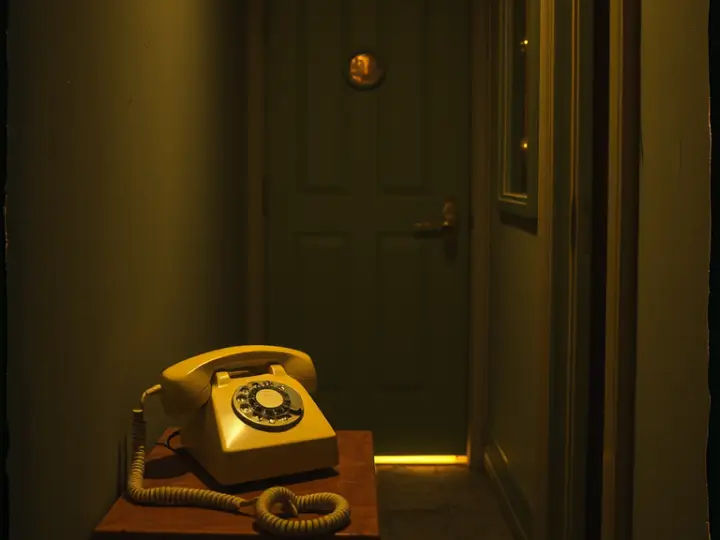
Just a few questions, dear.
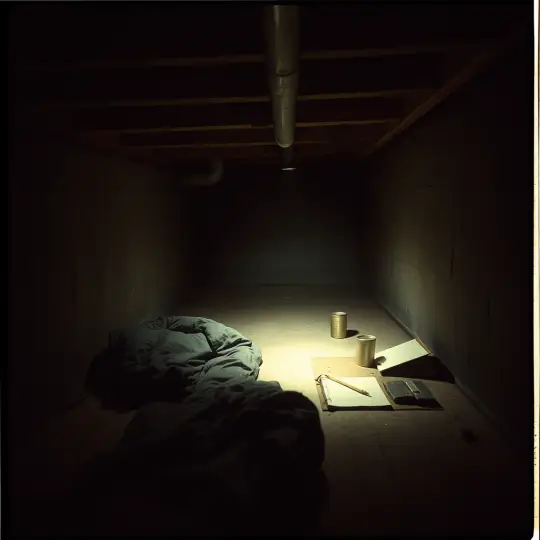
The house was booked every weekend.

Watch the little boy's face.
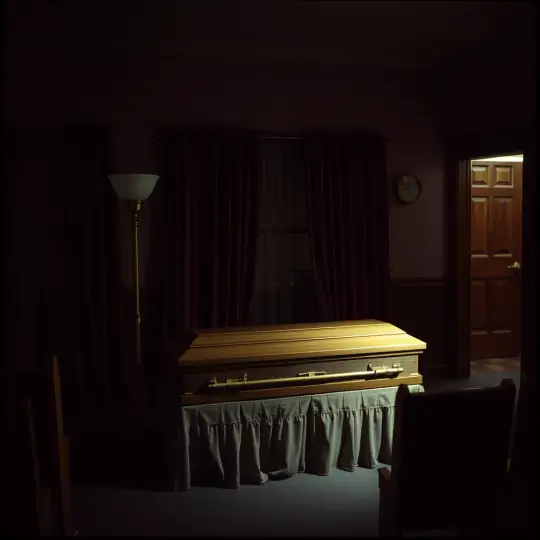
The freight elevator needs a key.
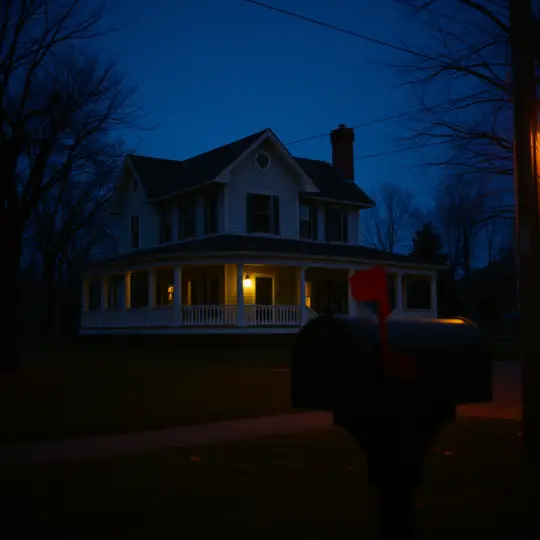
Welcome to the neighbourhood.

Follow the water.
More cases are on their way.
If something in the game doesn't work, or you're stuck, open an issue on the game's GitHub issue page. Please include your device model, iOS version, and the case you were playing.
Progress is saved on your device as you play, and when you choose "Title screen" from the pause menu. Deleting the app deletes your progress.
iPhone and iPad with iOS 16 or later.
No. There are no ads and nothing to buy inside the game.
No. The game plays in landscape only, so turn your iPhone or iPad on its side.
Some stories download the first time you open them, which keeps the app small to install. Their case card says "download" and shows a progress bar while it runs. You need an internet connection for that first time; if it fails, tap "try again".
To free space later, open a downloaded story's card and tap "remove download", then tap again to confirm.
No, it is optional. If you are signed in to Game Center, surviving a case earns achievements, and the ACHIEVEMENTS button on the title screen opens them. Without it, the game plays the same.
Yes. A story needs an internet connection only the first time it downloads. After that, it plays offline.
Any order you like. Every case is its own story, and all of them are open from the start.
Stand still for a moment and listen. If you wait, the character thinks aloud about what to try next. Notes and objects you can use show a button when you are close to them.
If you are still lost, pause and choose "Restart" to begin the case again, or open an issue and tell us where you are.
Yes. Every spoken line is shown on screen as a subtitle, so you can play with the sound low.
English only, for voices and text.
Open settings (from the title screen or the pause button) and move the "Camera speed" slider. It goes from 0.4x to 3x.
Yes. In settings, "Film look" adds soft bloom, grain and a vignette, and "Retro picture" gives an old console look. Turn either on or off at any time.
Tap the pause button at the top right, then "Restart" and "Yes, restart". To leave a case, choose "Title screen"; your place is saved.
Not at the moment. The game is played with touch controls.
No. The stories are horror, with tense and frightening scenes, and are made for adults and older teens.
Each case is inspired by a real account. Names, places and details are invented, and the game is a work of fiction.
Play at night with headphones. Most of the fear is in what you hear.
Yes. More cases are under investigation and will arrive in future updates.
Tap the speaker icon at the top right of any screen to mute or unmute. Settings also has volume sliders for music and ambience, and for footsteps and effects.
With sound on, the game takes over your device's audio, so music or videos from other apps stop. While it is muted, they keep playing.
On the title screen, open SETTINGS and tap "reset progress" at the bottom, then tap again within a few seconds to confirm. This clears the progress saved on this device.